Everything You Need to Annotate PDFs

Thoughtfully designed tools that get out of your way

draw

Precision Drawing Tools

Draw with a pen, highlighter, eraser, or create perfect shapes including circles, rectangles, arrows, and lines with pixel-perfect precision.

text_fields

Rich Text Annotations

Add text in 20+ Google Fonts with full control over size, color, bold, italic, and underline. Your annotations look professional.

edit_note

Edit Original PDF Text

Click existing PDF text to edit it in place. SlatePDF pre-fills the original content and matches font and size when available. Then you can change it and move it.

counter_1

Numbered Bubbles

Create numbered annotations for reviews and feedback. Auto-increment bubble numbers to stay organized throughout your document.

palette

Full Color Palette

Choose from 12 preset colors including reds, blues, yellows, and more. Highlight important sections and make your markup clear.

tune

Granular Brush Control

Adjust brush size (1-20px) and opacity (10-100%) for perfect control. Make light suggestions or bold markups. The choice is yours.

content_cut

Cut & Move Content

Reorganize your PDF by cutting and moving sections. Rearrange pages and content to improve document flow instantly.

speed

Light and Responsive

Smooth animations and instant feedback make editing feel natural. No loading screens, no friction - just flow.

file_download

One-Click Export

Your work saved in a single click. No hoops, no settings screens - just your annotated PDF, save and print.

add_photo_alternate

Drag & Drop Images

Drag images or signatures directly onto your PDF. Resize and position them anywhere to add logos, stamps, or signatures instantly.

lock

Privacy First

Your PDFs stay on your device until you save them. We use enterprise-grade Firebase security that is never compromised.

grid_view

Page Management

Reorder pages, delete unwanted ones, or add new PDFs and images to your document. Full control over your document structure.

text_select_start

Text Selection & Copy

Select and copy text directly from your PDF. Paste into other documents easily with no need to retype content.

Annotation Tools at a Glance

Simple tools designed for humans, not complexity

draw

Pen

Freehand drawing with smooth curves and full color control

ink_highlighter

Highlighter

Semi-transparent highlighting to mark important text

ink_eraser

Eraser

Remove any annotation cleanly and precisely

text_fields

Text

Add typed text with formatting, fonts, and styling

check_box_outline_blank

Rectangle

Draw outlined rectangles for framing and emphasis

rectangle

Solid Rectangle

Filled rectangles for redaction and highlighting

circle

Circle

Perfect circles for marking and emphasis

arrow_forward

Arrow

Directional arrows for pointing and indicating flow

horizontal_rule

Line

Straight lines for underlining and separation

counter_1

Bubbles

Auto-numbering for organized feedback and notes

content_cut

Cut & Move

Reorganize PDF sections and pages

palette

Colors

12+ preset colors to organize and emphasize

Perfect For

SlatePDF handles all your annotation needs

school

Education

Student editing report

Teachers grade papers with annotations. Students review marked-up assignments.

storefront

Small Business

Colleagues collaborating

Review invoices and contracts. Mark up proposals before signing. Keep paperwork organized without expensive software.

rocket_launch

Startups

Startup team collaborating

Affordable PDF tools for lean teams. Annotate pitch decks and agreements. Professional markup at a fraction of the cost.

precision_manufacturing

Manufacturing

Manufacturing engineer reviewing blueprints

Annotate blueprints and spec sheets. Mark up quality control documents. Track revisions on production drawings.

design_services

Design

Designer working on UI mockups

Mark up design mockups with arrows and shapes. Give clear feedback with annotations. Share annotated versions.

assignment

Content Review

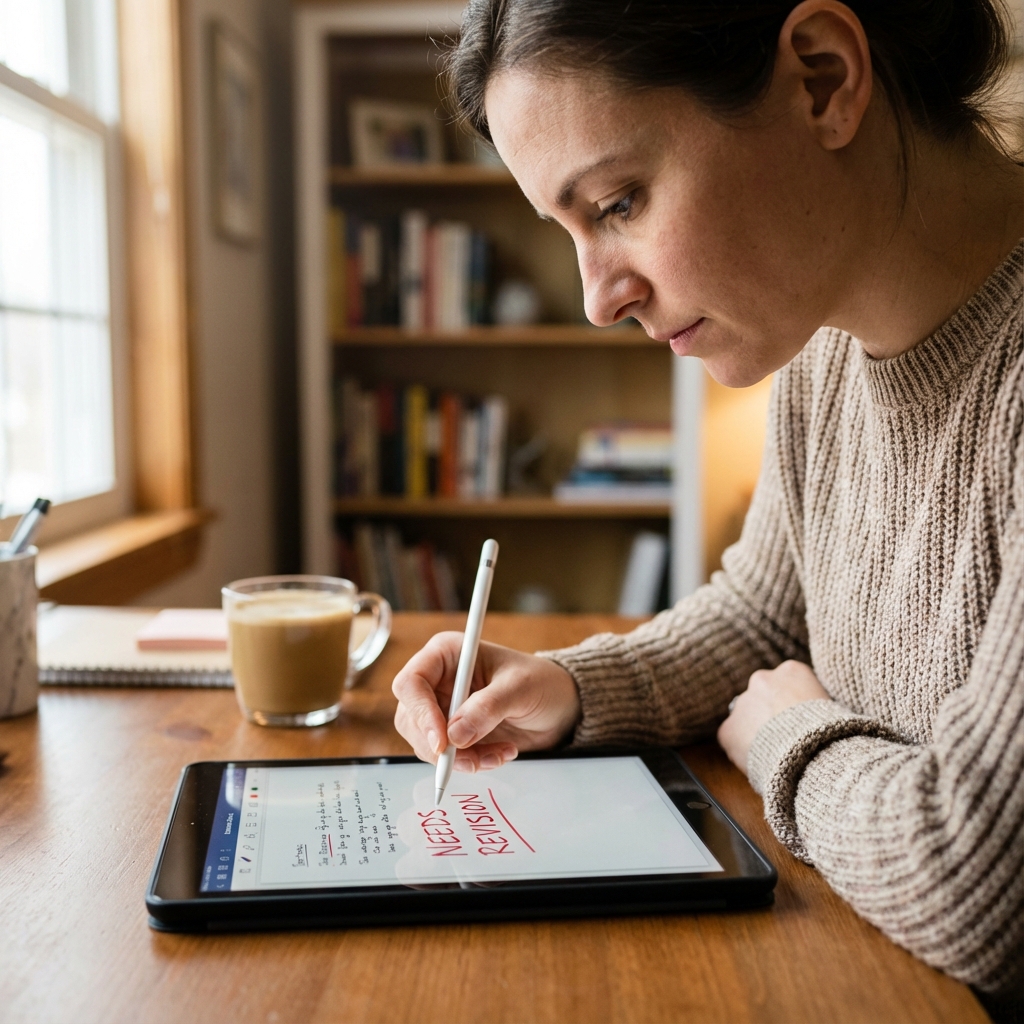
Editor reviewing document on tablet

Editorial teams review documents. Copy editors mark changes. Numbered bubbles for consistent feedback.

Ready to Enjoy Annotating?

Finally, a PDF editor that respects your time. Clean design, calm experience.

No credit card required to start • Instant access